Introduction
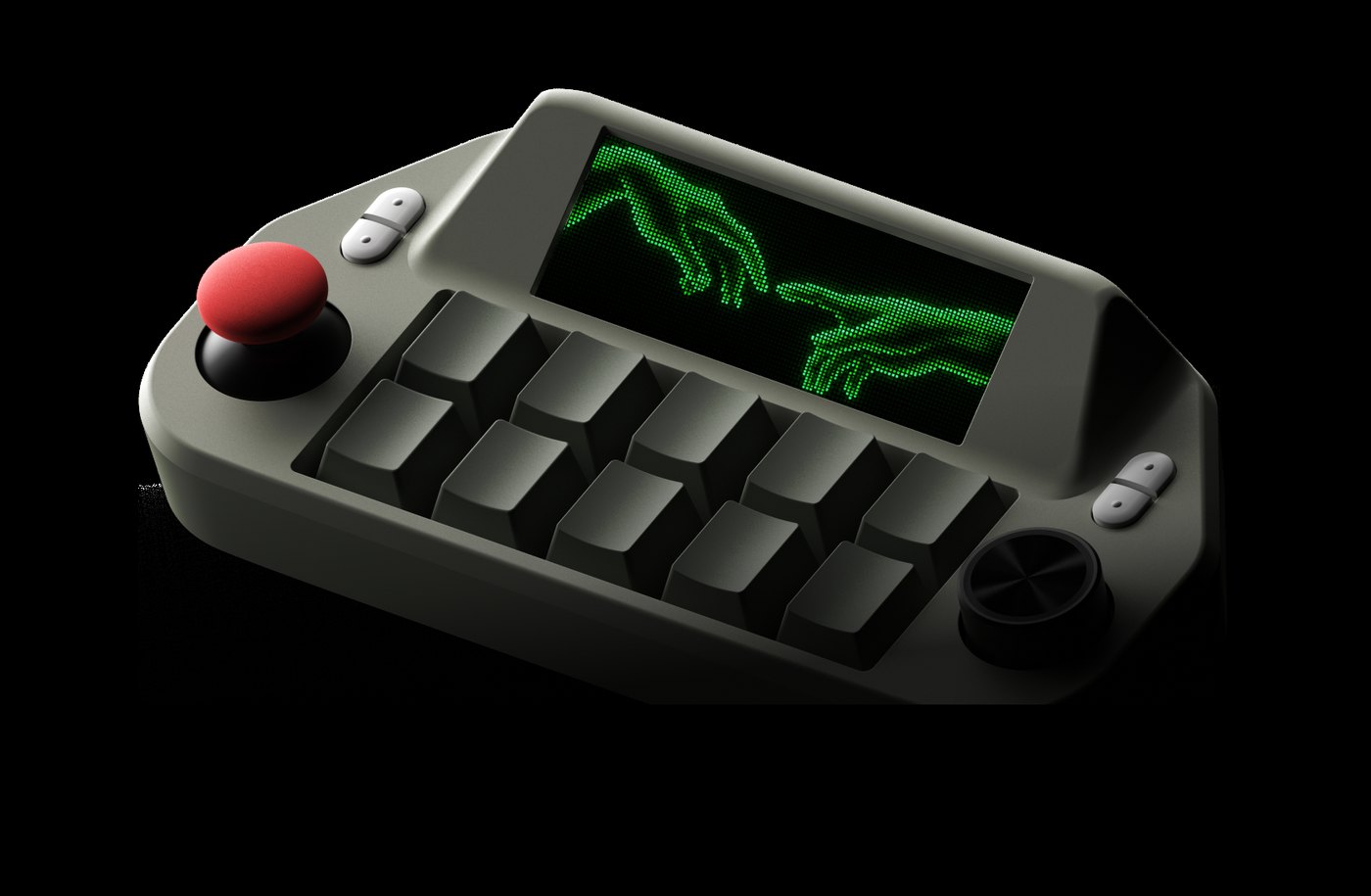
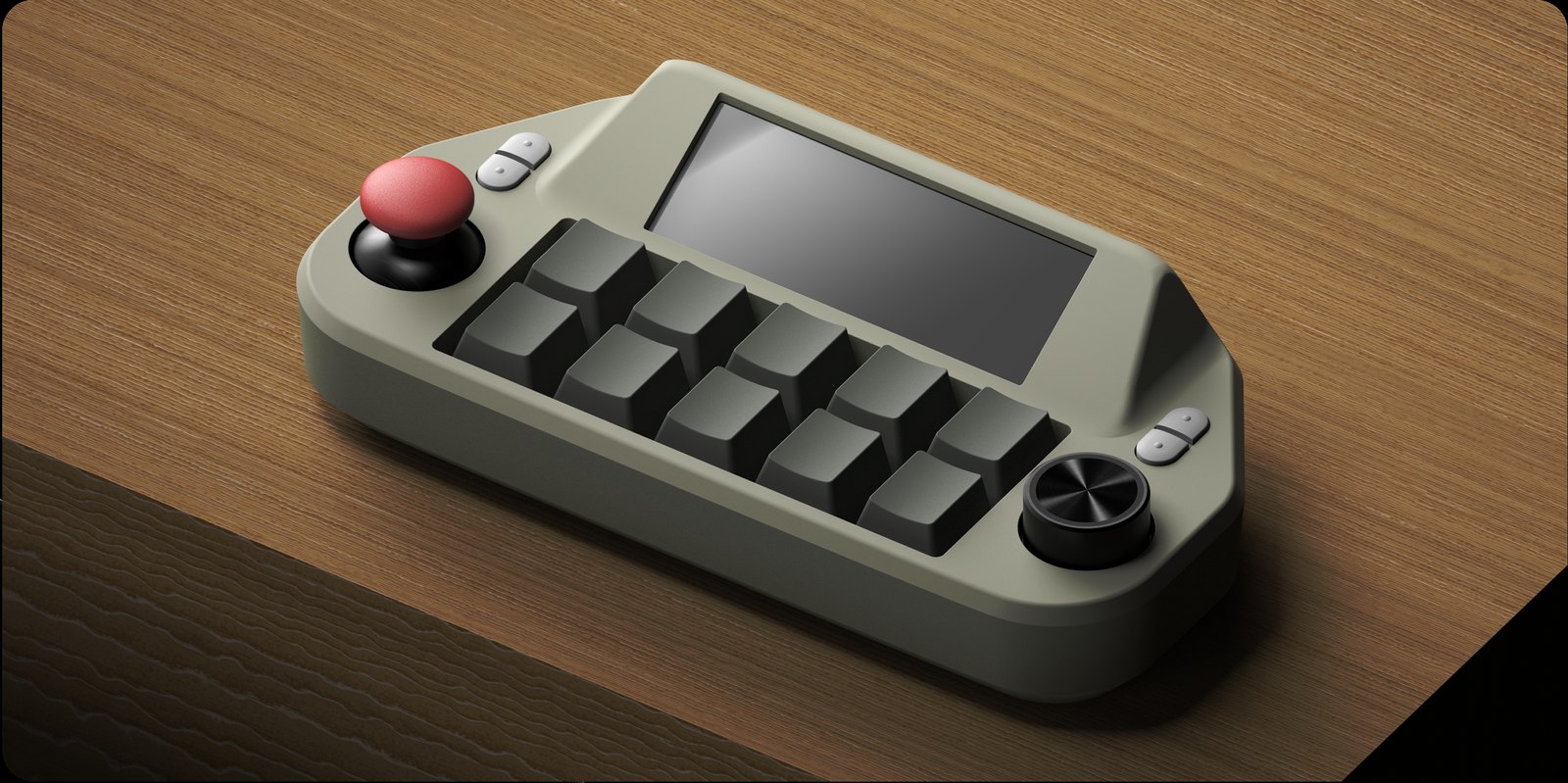
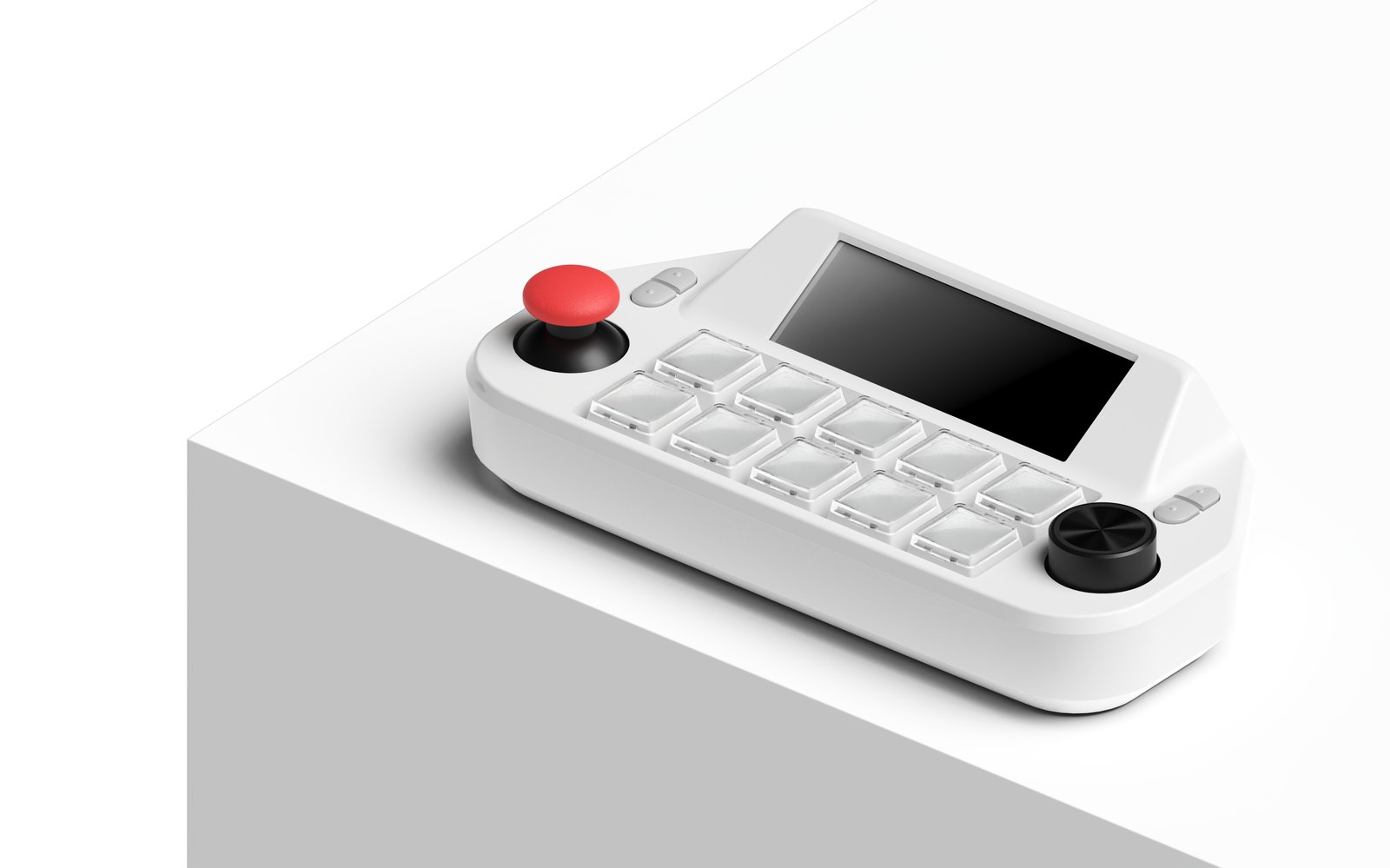
Modern work has become a sprawl of apps, browser tabs, AI chatbots, virtual desktops, and keyboard shortcuts that nobody fully remembers. ComboX, a compact USB-C macro console from Seoul-based startup Electrocookie, takes the controls people use most and puts them under physical fingers: ten hot-swappable mechanical keys, a red ball joystick, and a rotary dial, all anchored by a small color LCD. The project is live on Kickstarter, where it had cleared its modest $5,000 goal many times over within days of launch, with estimated delivery in January 2027. This review assesses the campaign on its stated specifications and design, not on shipping hardware that has not yet reached backers.
What It Is
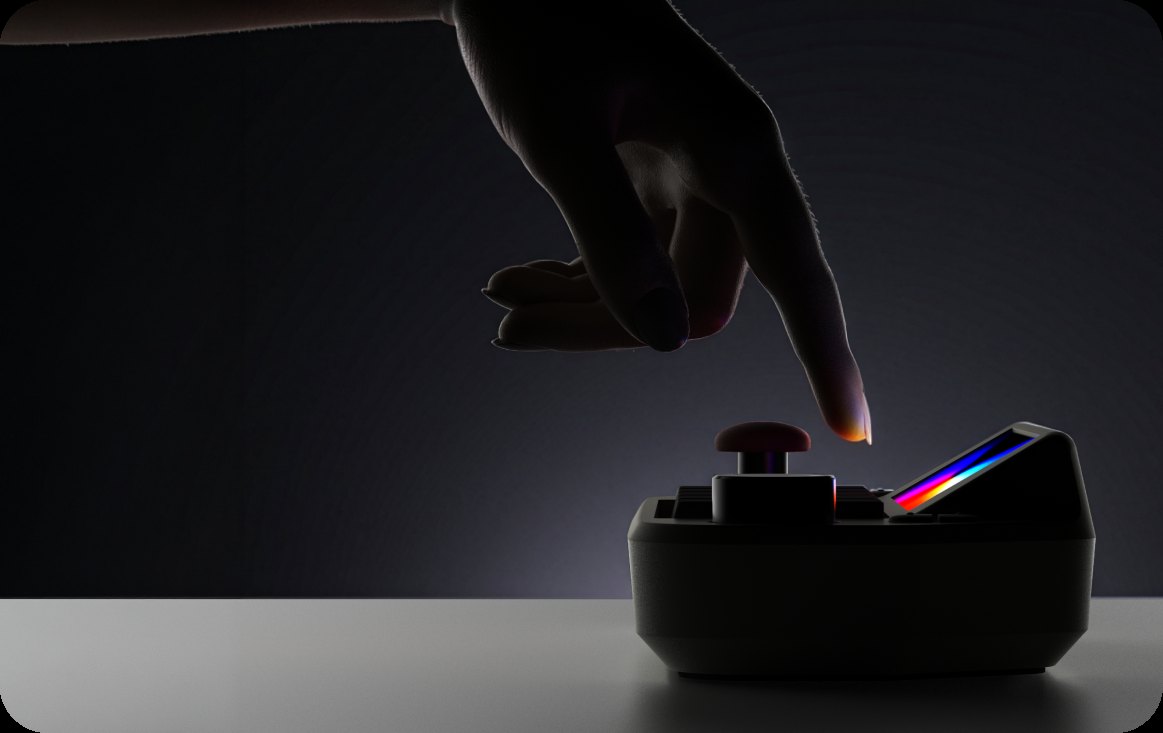
ComboX sits somewhere between a Stream Deck, a macro pad, and an arcade controller. It does not run software itself; it talks to your Windows or Mac over USB-C and turns physical inputs into shortcuts, launched apps, AI actions, and multi-step sequences. The headline feature, AI Link, captures selected on-screen text and sends it to ChatGPT, Claude, or Gemini with a preset prompt such as Explain, Translate, Summarize, Rewrite, or a custom prompt, removing the copy-paste-paste routine that AI workflows usually require. A Chrome extension handles the capture step. The same console switches Windows Virtual Desktops or macOS Spaces with a flick of the joystick, launches apps and folders in sequence, and runs one-tap “combo” macros that chain several actions into a single press.
Specifications
| Attribute | Detail |
|---|---|
| Controls | 10 hot-swappable mechanical keys, 1 joystick, 1 rotary dial |
| Display | 800×268 TFT LCD, 281 ppi, custom background art and key backlighting |
| Dimensions / Weight | 160 × 77 × 41 mm; 250 g (0.55 lb) |
| Power / Connectivity | Wired USB-C, 5V 1A; no battery, no wireless |
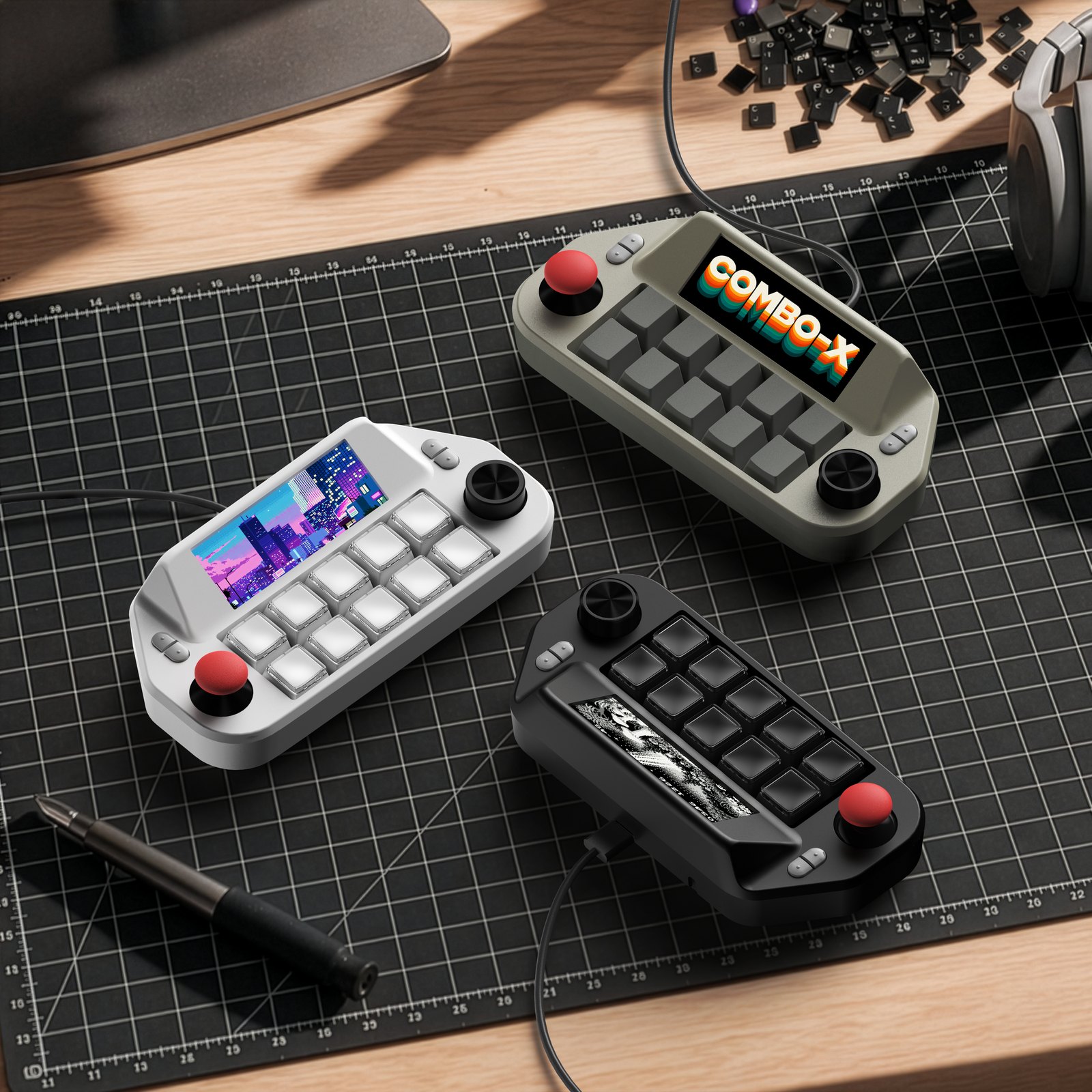
| Colors | Retro Gray, Pure White, Jet Black |
| AI Link | ChatGPT, Claude, Gemini; preset Explain / Translate / Summarize / Rewrite / Search / Reply |
| Software | ~60 free plugins; 7 customizable layers; Mobile Mode for iPad / iPhone / Android shortcuts |
| Integrations | Adobe Premiere Pro, After Effects, OBS Studio; press-to-talk for Codex and Claude Code |
| Campaign price | Super Early Bird $119 (MSRP $169); Early Bird $127; KS Exclusive $135; Twin Pack $239 |
| Estimated delivery | January 2027; manufactured in South Korea |
Highlights
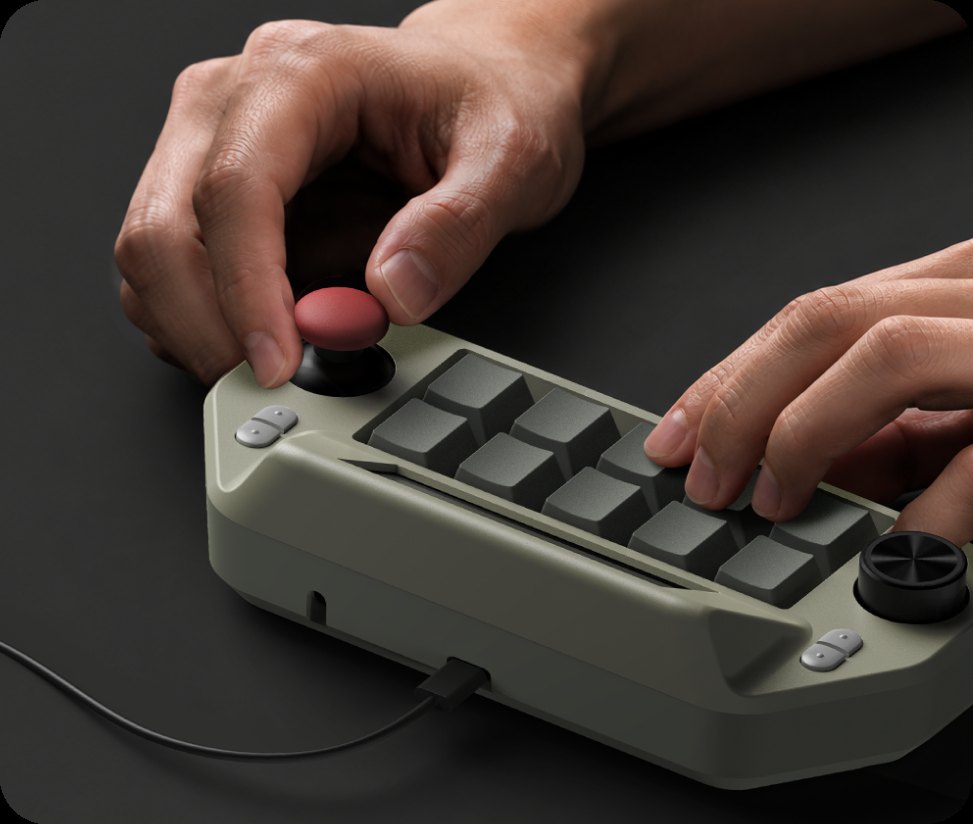
The joystick-driven virtual desktop control is the most physically satisfying idea here: instead of hunting for window thumbnails, you tilt to move between workspaces you have organized by purpose, such as communication, AI tools, creative software, and coding. Multi Action and Combo Action let one key fire several apps, folders, and commands either simultaneously or in order, which suits morning “work kickoff” sequences and one-tap game-mode transitions. Personalization goes beyond keycaps: switches and keycaps are hot-swappable, the LCD accepts custom pixel art or photos, each key carries adjustable backlight color, and the joystick cap itself is replaceable. On the software side, the plugin store promises roughly sixty free add-ons, while Mobile Mode extends physical shortcuts to supported iPad and phone apps such as Clip Studio Paint. A press-to-talk layer activates voice input in desktop Codex or Claude Code using your computer’s own microphone, since ComboX has none built in.
Pros
- AI Link collapses the copy-paste-prompt loop into a captured selection plus one key.
- Joystick workspace switching feels more tactile than keyboard shortcuts or window pickers.
- Hot-swappable switches, replaceable keycaps, custom LCD art, and per-key backlighting give genuine enthusiast customization.
- Wired USB-C means no pairing, no battery anxiety, and no wireless latency.
- $119 Super Early Bird undercuts typical macro decks once plugins and AI mapping are counted.
Cons
- Wired only: no Bluetooth, and the cable length fixes where the console can sit.
- No built-in microphone; voice features depend on your PC’s mic.
- Plugin breadth and Mobile Mode shortcut support will vary by app and is promised rather than proven.
- AI Link quality depends on third-party services and the user’s own paid AI accounts.
- Hardware is a pre-order: tooling is complete, but mass production and Jan 2027 delivery still carry crowdfunding risk.
Who It’s For
ComboX fits power users who live across virtual desktops and several AI tools, creators who trigger OBS or Premiere shortcuts repeatedly, and enthusiasts who enjoy customizing mechanical gear. It rewards people willing to spend an hour mapping layers; buyers who want a device that works out of the box without configuration will be underwhelmed.
Verdict
ComboX is a credible twist on the macro deck genre: it does not merely add buttons, it pairs AI shortcuts with physical workspace navigation and genuine mechanical customization at a sub-$120 pledge. The missing wireless option and reliance on third-party AI accounts are real trade-offs, as is the standard Kickstarter production risk. For organized keyboard-and-mouse power users, it earns a 7.5/10 as a promising campaign worth watching; it is not a buy-and-forget accessory, but a control surface for people who already run layered workflows.