
It will not roll down your hallway. No wheels, no camera, no microphone. At its core, it is a motorized iPad base that turns 300 degrees — but Kobe’s iPresence has packaged it as a “Physical AI Platform.”
The Kubi brand originated from US-based Revolve Robotics; the original unit has been deployed in education and healthcare for nearly a decade. In 2026, iPresence — which took over the brand — launched the self-developed Kubi 2.0 in Japan. It goes on sale October 15, initial run of only 300 units, priced at 165,000 JPY (tax included) in Japan and $980 in the US.
Strengths and Weaknesses: A Beautiful Motorized Stand
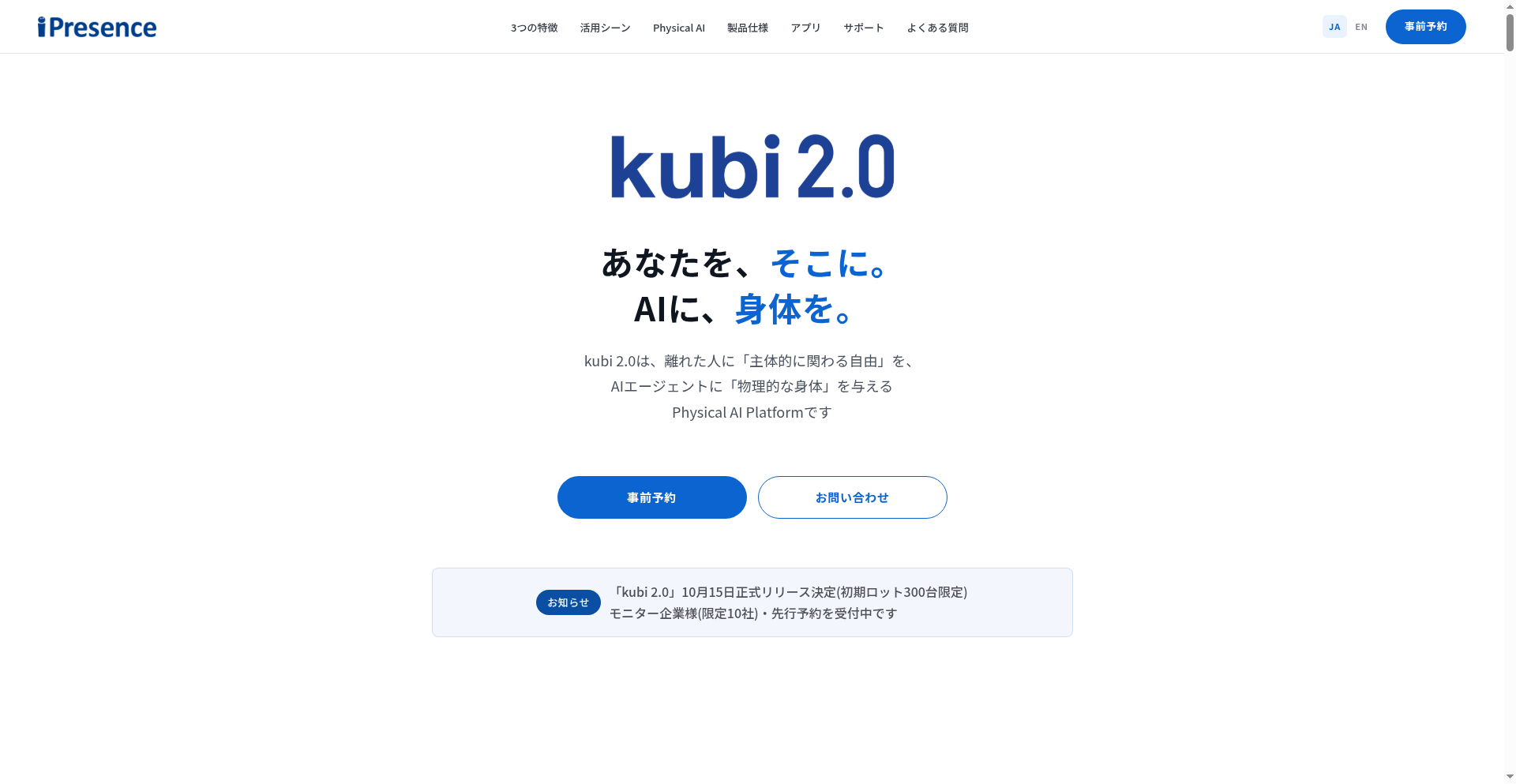
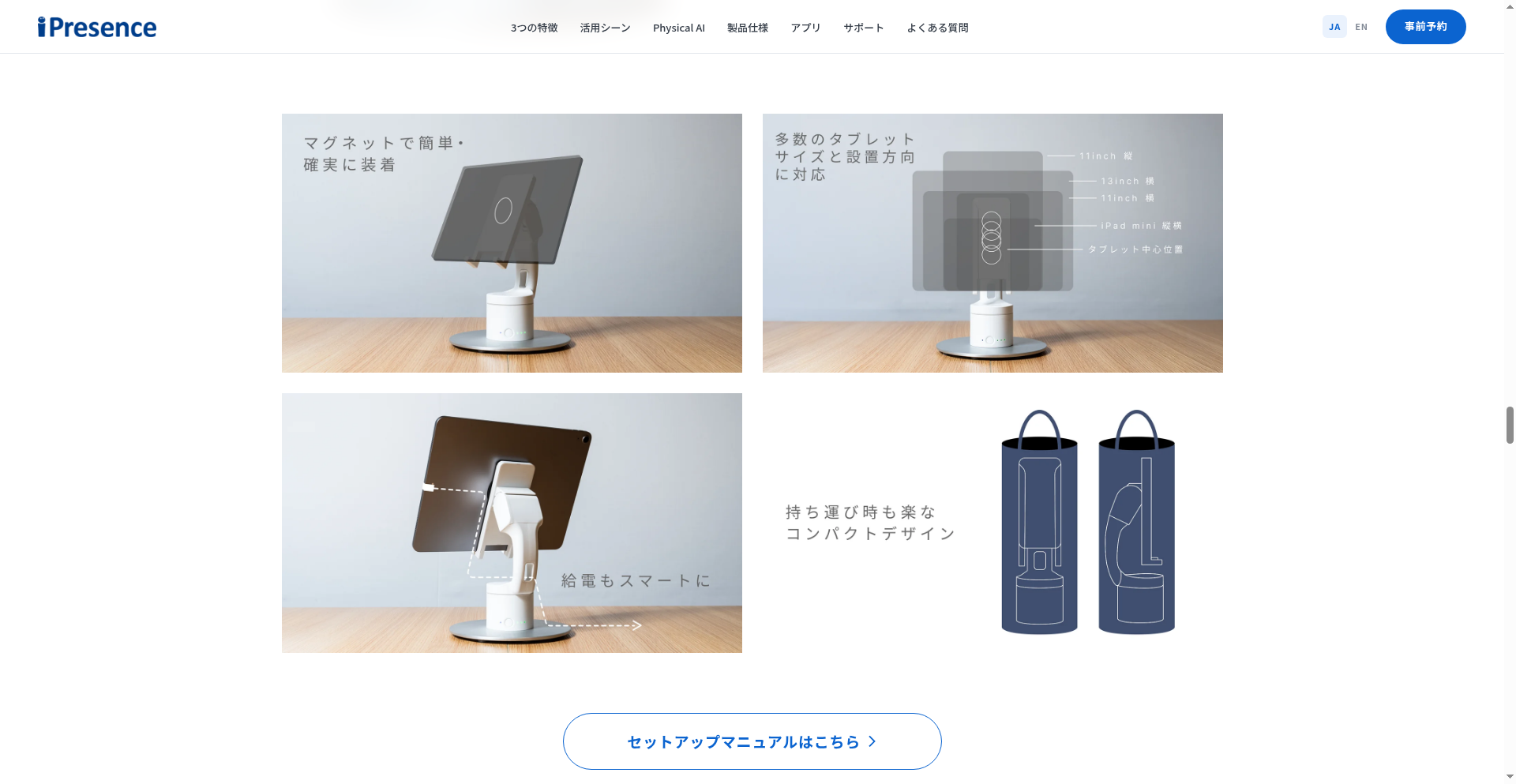
The Kubi 2.0 specs are straightforward: 7.4 cm diameter, 26 cm tall, 705 g including weight plate, 15 cm base. 300° horizontal rotation, 55° tilt, Bluetooth, USB-C/AC powered, ~4 hour battery. Compatible only with iPad mini through 13-inch iPad (iPadOS 13.0+), white, one-year warranty.
What Works
- Compact and portable. At 705 g it carries easily; it fits a classroom, hospital room or desk without taking space, far friendlier than a 1.4 m enterprise robot.
- Magnetic one-step mounting. The iPad snaps on when near — no cables, no clips. Deployment friction is minimal.
- 300° turning feels natural. The remote side controls head rotation via app, simulating a person turning to look at someone. More “presence” than a fixed webcam. Rated silent motor; 4-hour battery supports a full clinic or class day.
- Ten years of ecosystem. The original Kubi has a decade of education/healthcare deployments, with four companion apps covering developer, education, business and third-party scenarios.
What You Must Confront
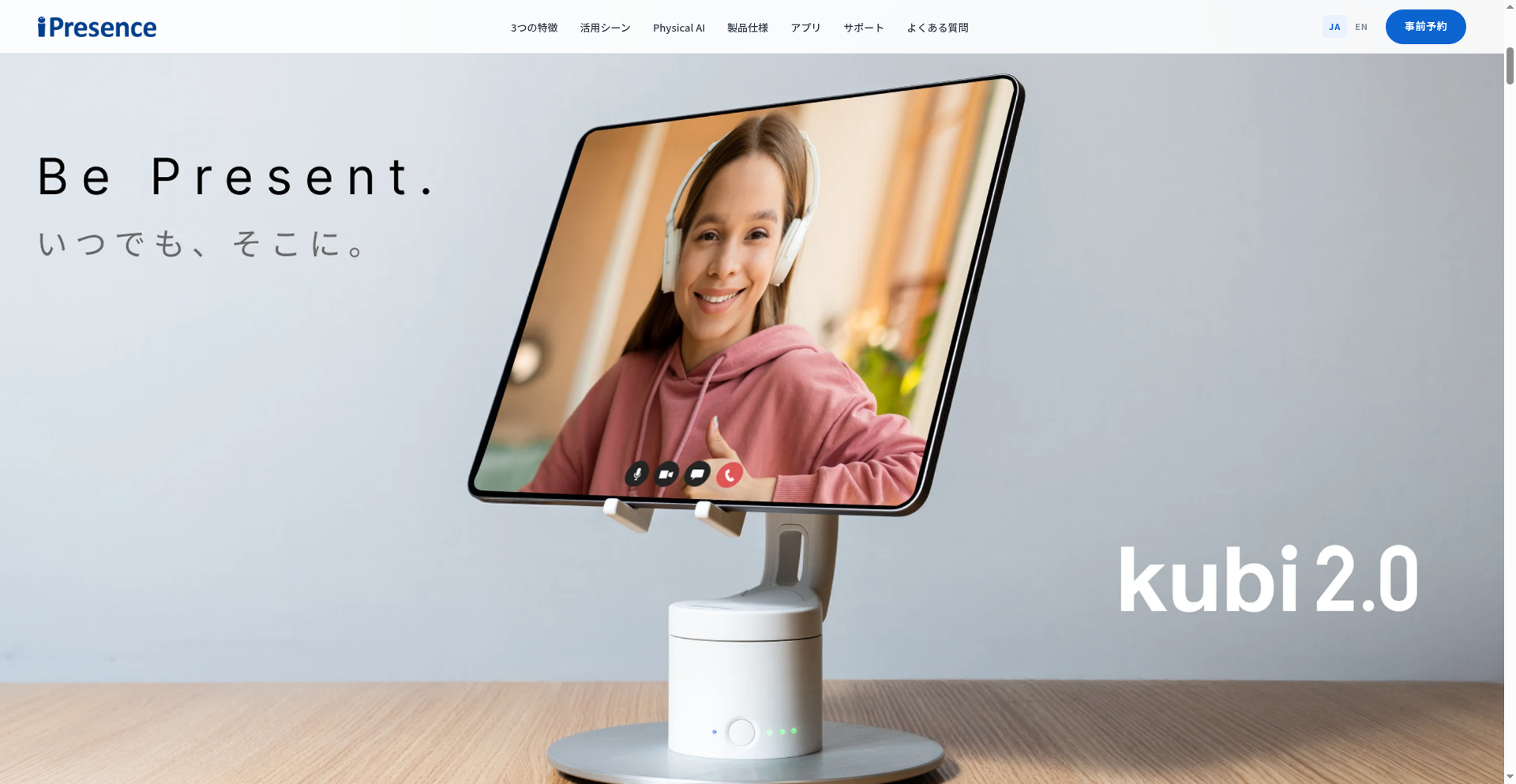
- It is a “turnable iPad stand,” not an autonomous robot. No wheels, no navigation — it will not roll from classroom to hallway. Its view is nailed to one desk. The “Physical AI Platform” label is currently marketing: the SDK and API are still “under co-development” and undelivered.
- iPad sold separately — real cost far exceeds the sticker. The site explicitly says “iPad sold separately.” Add a base iPad (~$349) or iPad mini (~$399), and the real starting price is over $1,300; with a 13-inch iPad Pro it approaches $2,000. That buys you only a base.
- 705 g for 165,000 JPY — value is questionable. A premium desktop iPad stand costs $20–50. The Kubi 2.0 premium buys two motors and a Bluetooth control board; not friendly to individual buyers.
- Bluetooth range and interference bottleneck. Effective range ~10 m, susceptible to Wi-Fi and microwave interference. In a classroom or ward full of devices, a single disconnect means a broken class.
- Audible mechanical noise. Even “silent” geared motors emit a perceptible hum in a quiet ward or meeting room — the remote side can clearly hear the “turning” motion.
- No onboard audio/video hardware; AI is thin and overstated. No camera, mic or speaker of its own — everything depends on the iPad. The so-called “face recognition” and “auto-turn to visitors” are just software face tracking on the paired tablet, not onboard sensing. Reception desk and auto-guided tour scenarios have no mature deployment.
- Narrow scenarios. It truly serves only two niches: “students hospitalized and unable to attend school” and “remote workers leaving a presence in the office.” Rounds checks, store patrols, multi-room movement? Impossible.
- iPad-only. Android and Windows tablets are unsupported. Tilt range also shrank from the original’s wider span to 55°.
Bottom line: The Kubi 2.0 takes “that bit of presence in a video call” to its desktop extreme, but it does not solve the real robotics problems — mobility and autonomy. It is a refined accessory, not a platform.
Competitive Landscape: The Desktop vs Mobility Gap
Placed in the telepresence robot market, the Kubi 2.0 sits in an awkward spot: above it are true enterprise mobile robots, below it are $30 tablet stands.
OhmniBot (OhmniLabs) is the most direct comparison. At 1.42 m tall, foldable, with drive wheels, a four-mic array, 1080p camera and auto-charging base, it navigates offices and hallways autonomously, starting around $3,899 in the US. It costs four times the Kubi 2.0 but “actually moves” — the remote side can drive it from meeting room to desk, something the Kubi 2.0 never will. For cross-room hospital rounds or factory inspection, OhmniBot is a dimension above. But for a hospitalized student fixed to one classroom desk, wheels are redundant weight.
Ava Robotics’ Ava represents the high-end enterprise market: 24-inch screen, 4K ultra-wide + pan-tilt camera, 8-hour battery, autonomous multi-floor navigation, priced $18,000–30,000 for large corporate campuses — a different customer base from the Kubi 2.0. But the Kubi 2.0 delivers the core experience of “remote presence at one table” for under one-tenth of the price. For budget-limited schools and small clinics, that trade-off holds.
Proxie Gen 2 (Cobot) takes another route: from $5,000/month, with mobile manipulator arms and autonomous task execution. It is no longer a pure telepresence robot but a commercial cobot, with almost no overlap with the Kubi 2.0.
The most overlooked competitor is actually the cheapest iPad stand. A $20–50 metal stand on Amazon solves 90% of “prop an iPad on a desk.” What the Kubi 2.0’s premium buys is one action only: the remote side can turn the head themselves. Is that action worth $1,000? For a family video call, no. For a child lying in a hospital bed who needs to look at the blackboard then at a classmate’s face, maybe yes — because that is not “making a call,” it is “going to school.”
What to Check Before You Buy
1. Calculate the Real Total Cost
165,000 JPY is the base unit. You also need a compatible iPad (iPadOS 13.0+, iPad mini to 13-inch) — add 30,000–100,000 JPY if you lack one. The education/healthcare Telepotalk app also has a monthly subscription; enterprise AvatarLink integration with Zoom needs no extra license, but confirm concurrent-device limits with iPresence before deployment.
2. Decide If You Really Need “Head Turning”
If it is just remote Zoom meetings, a $30 stand suffices. The Kubi 2.0’s core value holds in exactly one scenario: the remote person needs to actively scan around and make eye contact with people in different directions — a hospitalized child looking at the blackboard then at classmates; a remote worker tapped on the shoulder by a colleague from the side. Without this need, do not spend the money.
3. Verify iPad Compatibility in Advance
Only iPads running iPadOS 13.0 or later, from iPad mini to 13-inch iPad Pro. Pre-2019 models may not meet the OS requirement. The magnetic mount has case thickness requirements — thick cases interfere; use bare device or a thin case.
4. Bluetooth Range, Interference and Noise
Effective Bluetooth range ~10 m. Avoid microwaves and dense Wi-Fi routers. In a classroom full of students with Bluetooth headsets, occasional disconnects are possible. The 15 cm base needs a stable desk. Though the motor is rated silent, it is perceptible in a quiet ward — if sound sensitivity is a concern, watch review videos first.
5. After-Sales and Warranty
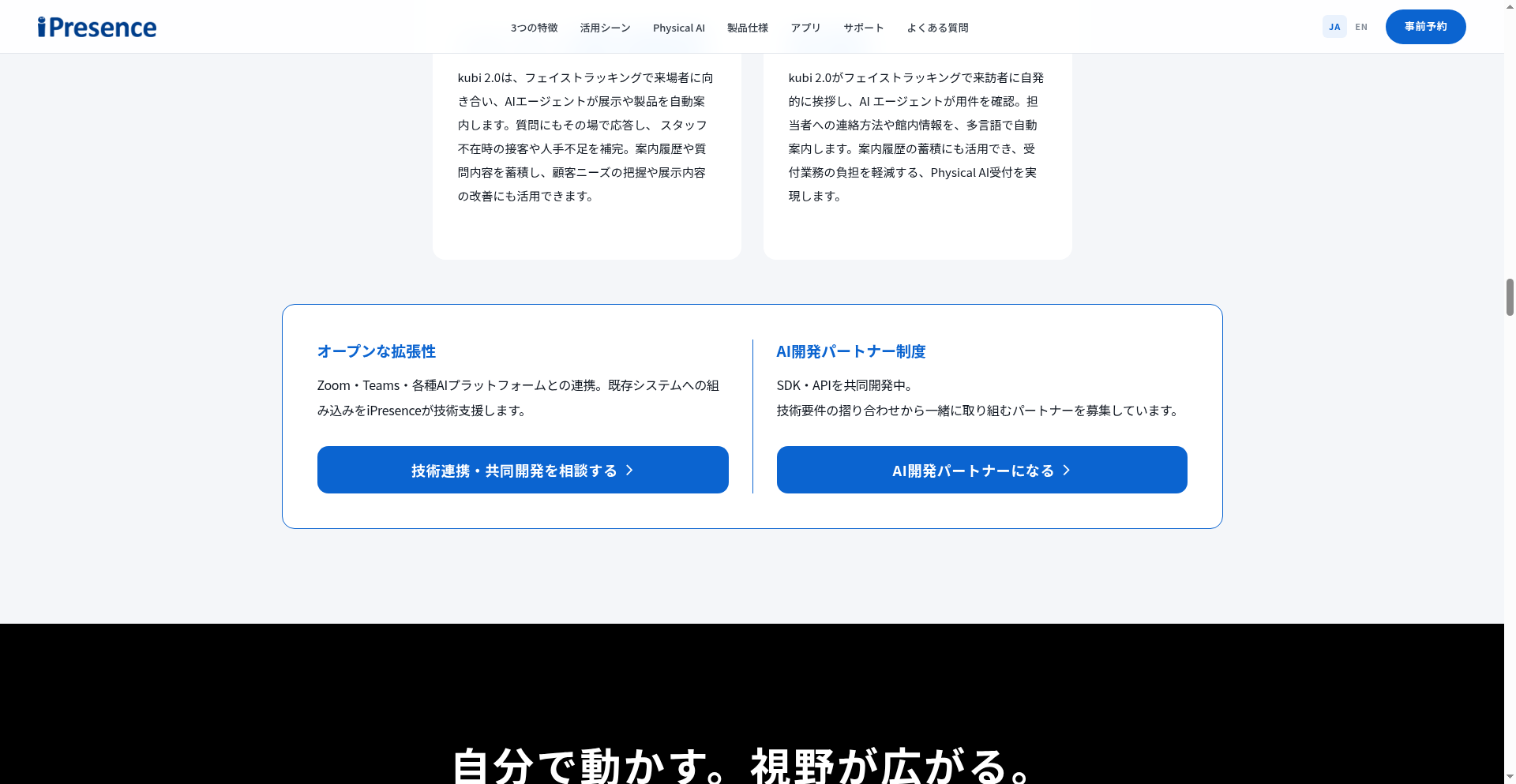
Official warranty is only one year. Initial sales are Japan-only, first batch limited to 300 units. Overseas users bought via Kickstarter pre-orders should confirm support channels and Japanese-language support. AI features (SDK/API) are not yet officially released — buyers expecting “Physical AI” auto-reception should lower expectations.
The Kubi 2.0 is a product that “takes a narrow scenario to its extreme.” It does not chase being a general-purpose robot, does not compete with OhmniBot on mobility, and does not compete with Ava on screen. It solves one thing: giving someone who cannot be there a head-turnable presence on one table. If the scenario is exactly that table, it is worth considering; if the need extends beyond that table, it will disappoint you.